
Add creative value to use AI effectively
Typing "neon jellyfish" into a prompt box is easy — knowing what to do with the result is the actual skill. A field report from the concept phase of a fictional XR game.

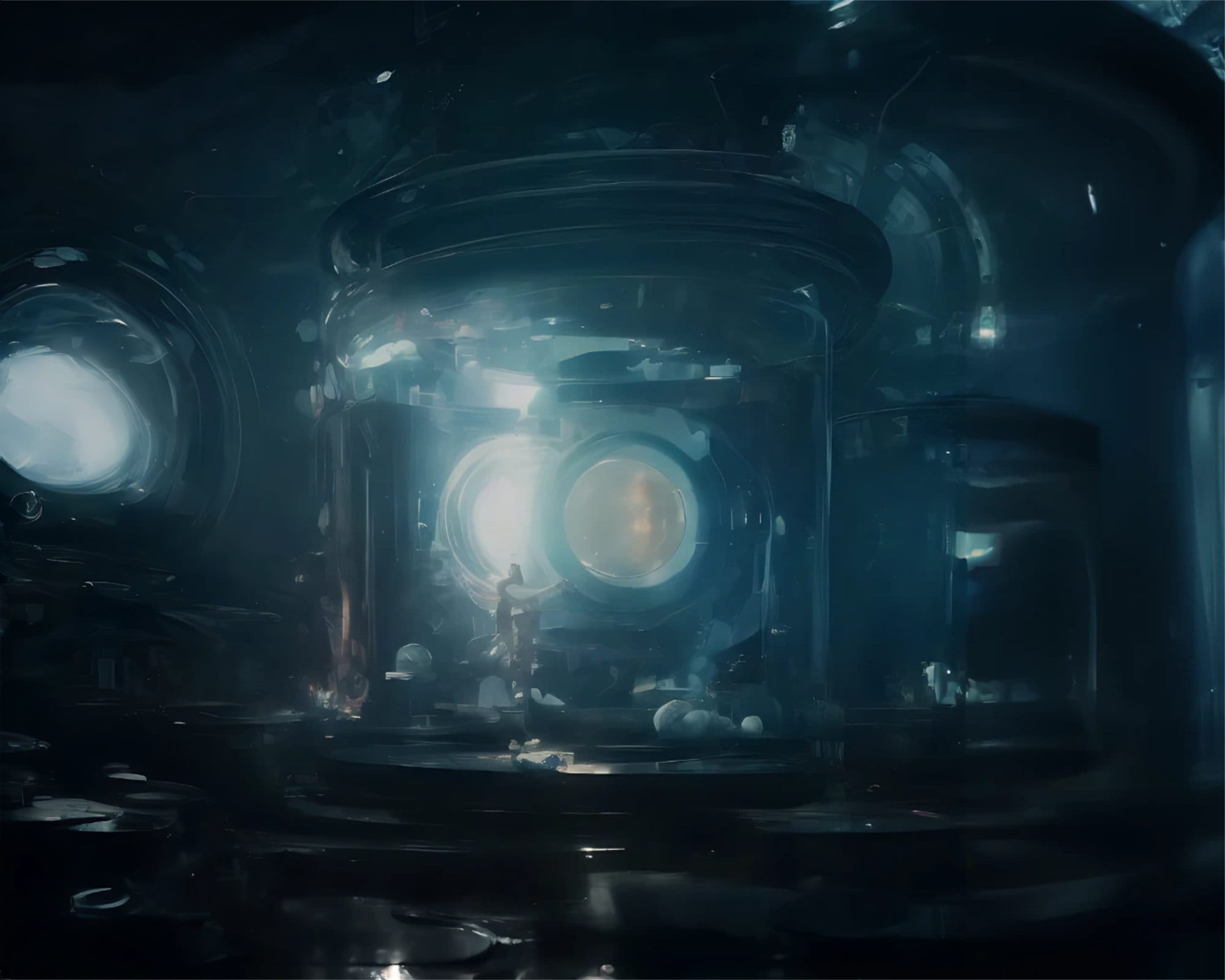
Whatever the job title — experience designer, art director, creative artist, digital or game designer — AI-based tools are already part of the workflow, sometimes without anyone noticing. What matters is what to achieve with them in the long run. Right now, a lot of published content is just an extension of existing work, and more and more of it comes from people with no background in digital content creation at all — yet reaching wider audiences than professionals who had just come out of the NFT craze.
This post continues where Use AI for your artwork left off. Here I show results from the concept phase of Illumeon XR — the fictional game that convinced me of the effective use of AI-based methods for generating artwork — plus a few tips for writing prompts that actually deliver.
To add creative value with AI, two things matter: a strong conceptual background and an understanding of the structure of the artwork — foreground, middle ground, background. AI works best as a time-saving tool, not as a substitute for the work itself. Rather than stringing together terms that fit, the tool should augment existing artistic skill and ideas. And one thing goes without saying: respect copyright and the choices of other artists — a portfolio should only contain work its owner actually created.
I'm convinced that exactly this range of experience is what makes someone an ingenious user of what AI offers right now. Collecting references, for example, will always remain part of an artist's job — finding good and fitting sources is time-consuming, which is exactly why this step often comes up short or gets skipped entirely.
Illumeon XR
To test the effectiveness of AI for conceptualization, I designed a fictional game and developed a storyline:
The action takes place at the bottom of the ocean and is inspired by BioShock and Cyberpunk 2077. The player explores a cyberpunk-like underwater world in mixed reality and solves riddles that uncover the history of the city. The backstory is about understanding this fantasy world and maintaining the balance of power responsible for its illumination and gravity. Between small explorations and fights against pests that feed on the glow, the player's task is to preserve the luminescence — or this magical world disappears into the dark.
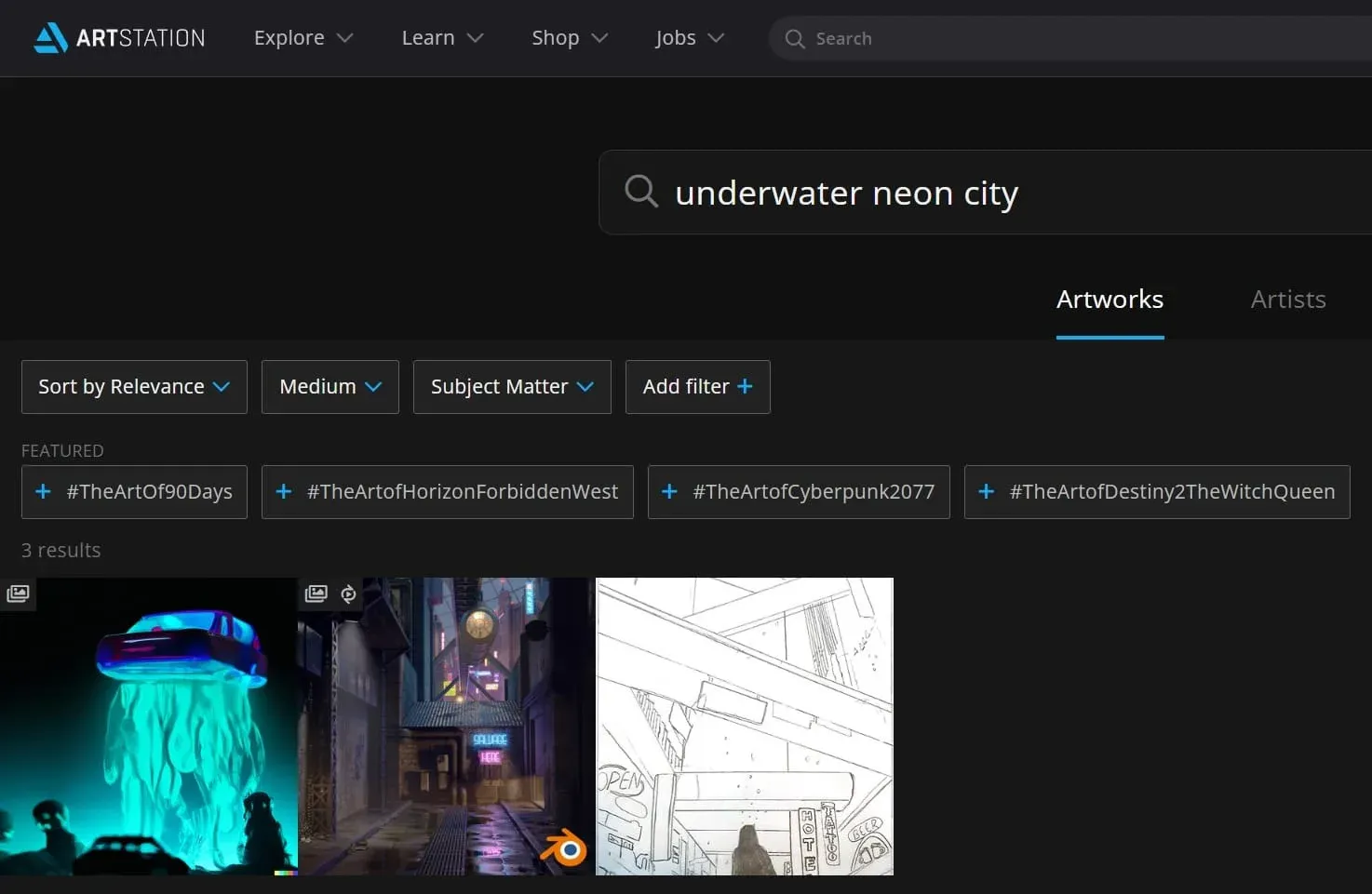
As luck would have it, there isn't much artwork for neon underwater cities — but plenty of cyberpunk and futuristic scenarios, which makes AI an ideal time-saver as the connecting instance. The artworks by Space Octopus were among the few, but very noteworthy, results.
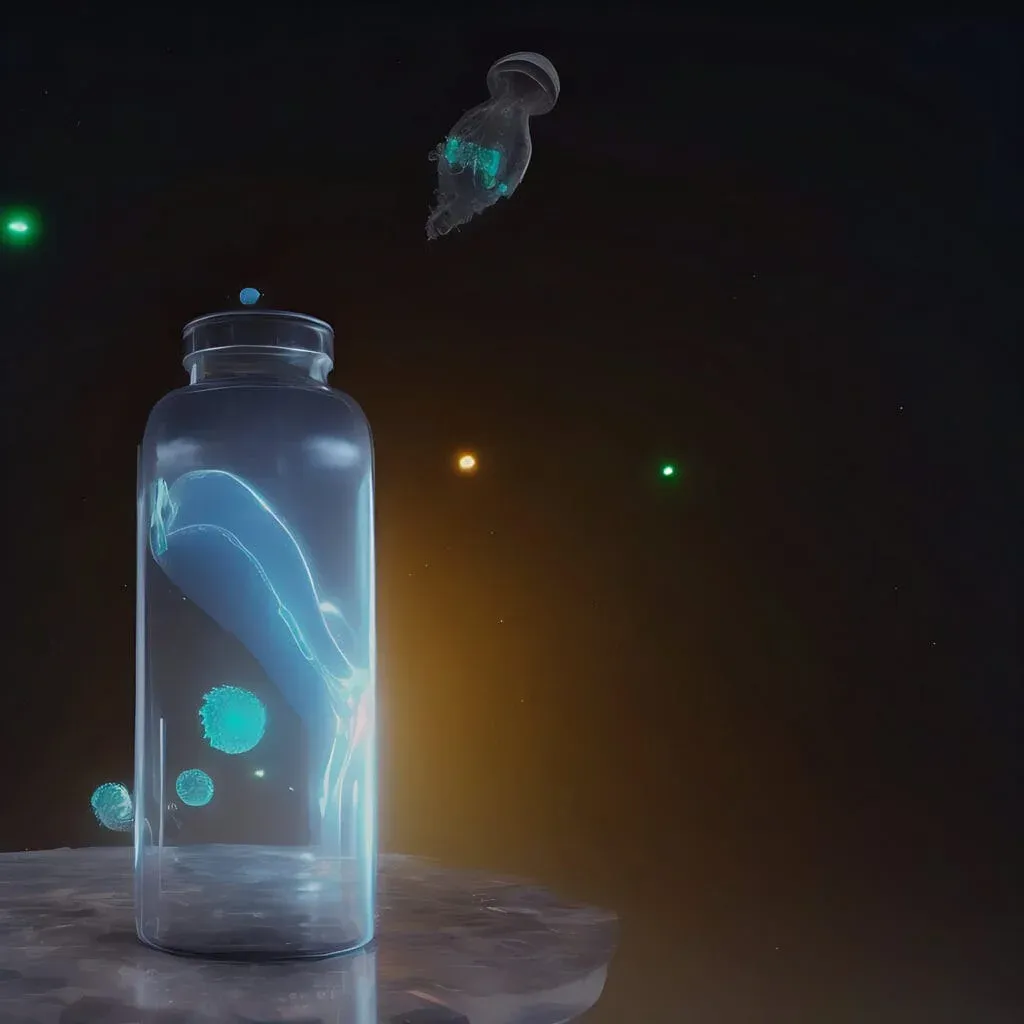
Solving the mystery of gravity and glow is essential gameplay content.
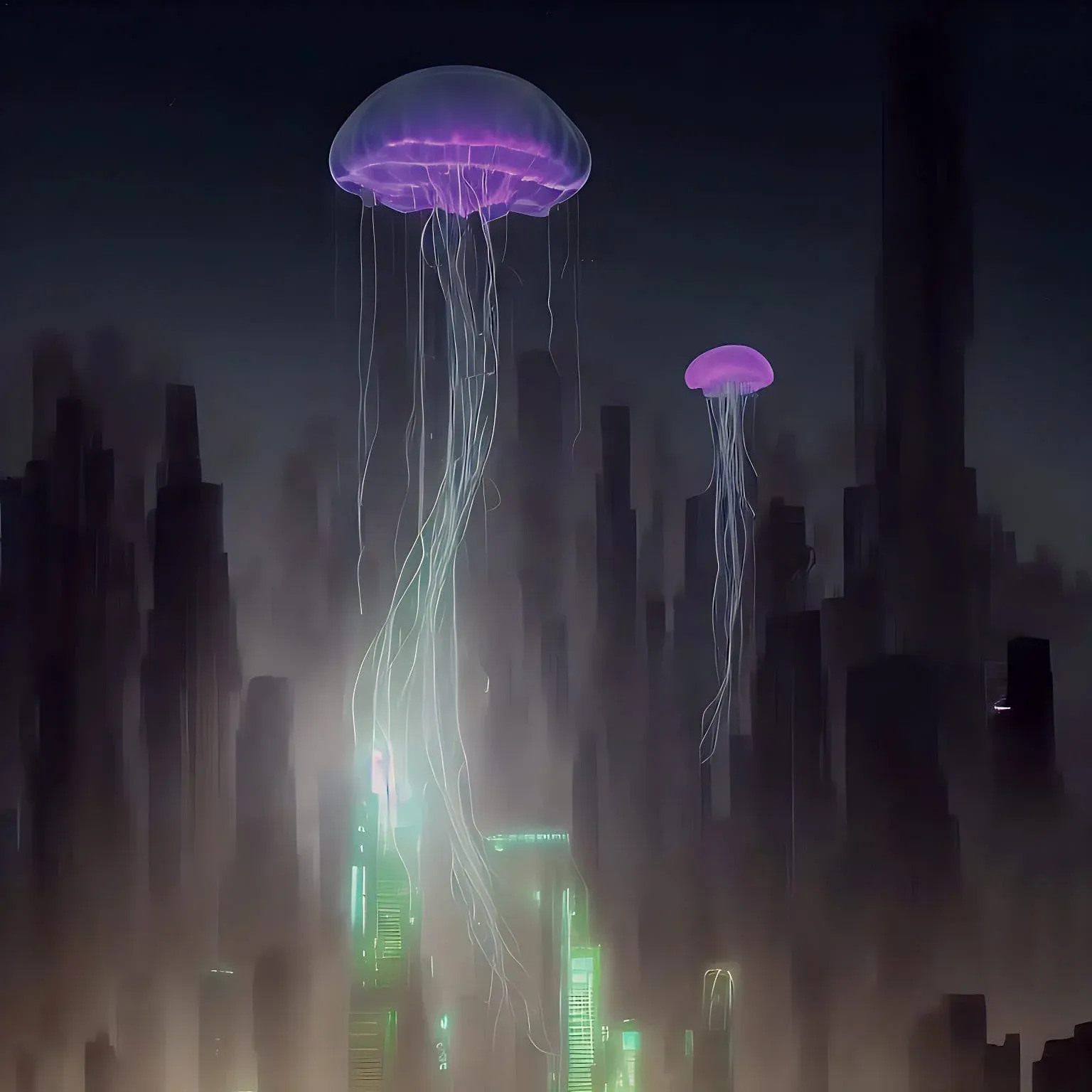
The electrification of jellyfish can also take a steampunk turn for some variance — zero-gravity glowing deep-sea fish against the backdrop of an epic megacity.
The process started with simple prompts like "ocean", "neon", "glowing" and "jellyfish", then refined the results step by step. The idea of what Ilumea — the game's central city — would look like began to take shape. Midjourney's concepts were also very helpful, because the results and their text helped me find the right prompts.
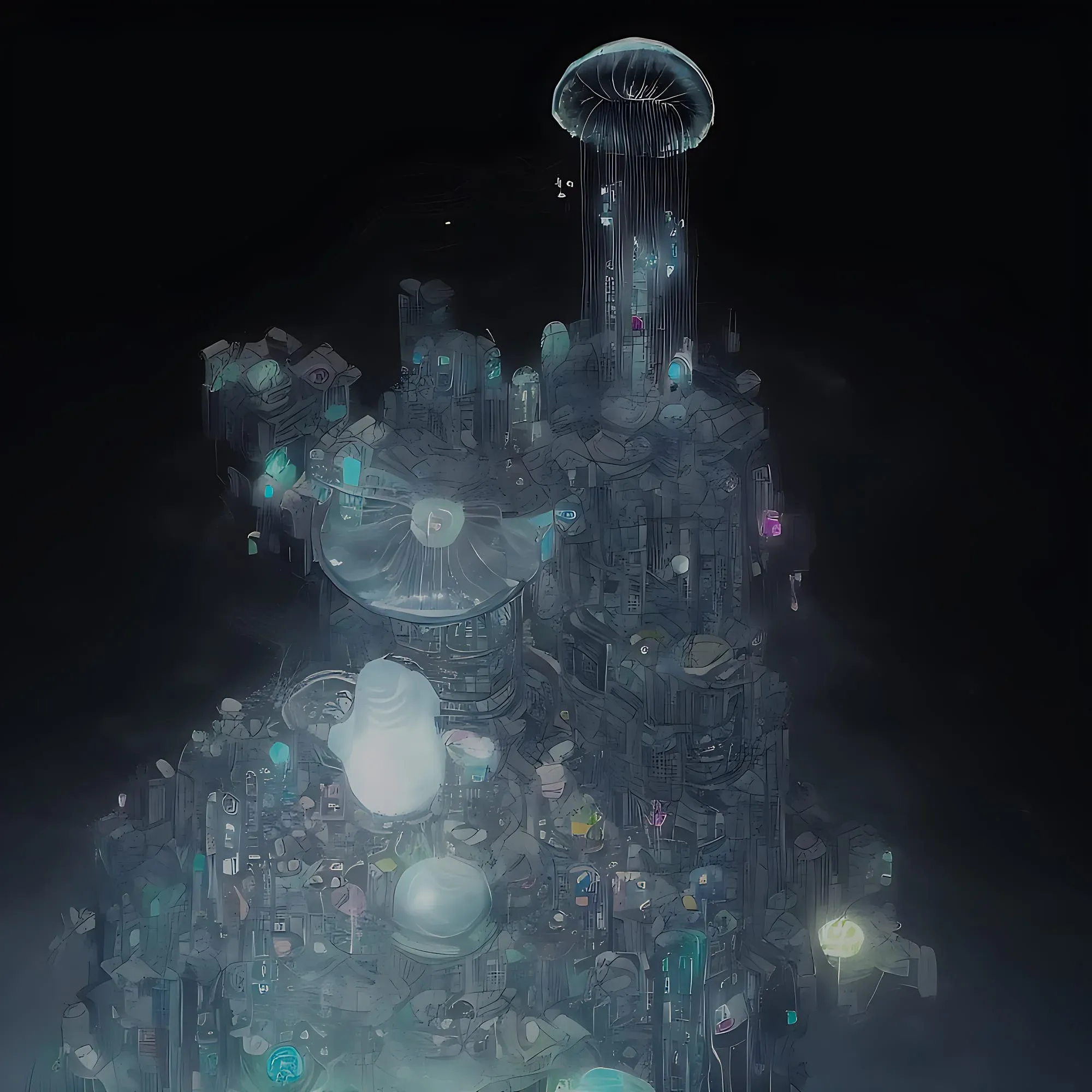
Following up on the idea of a megacity that feels industrial and oceanic at the same time.
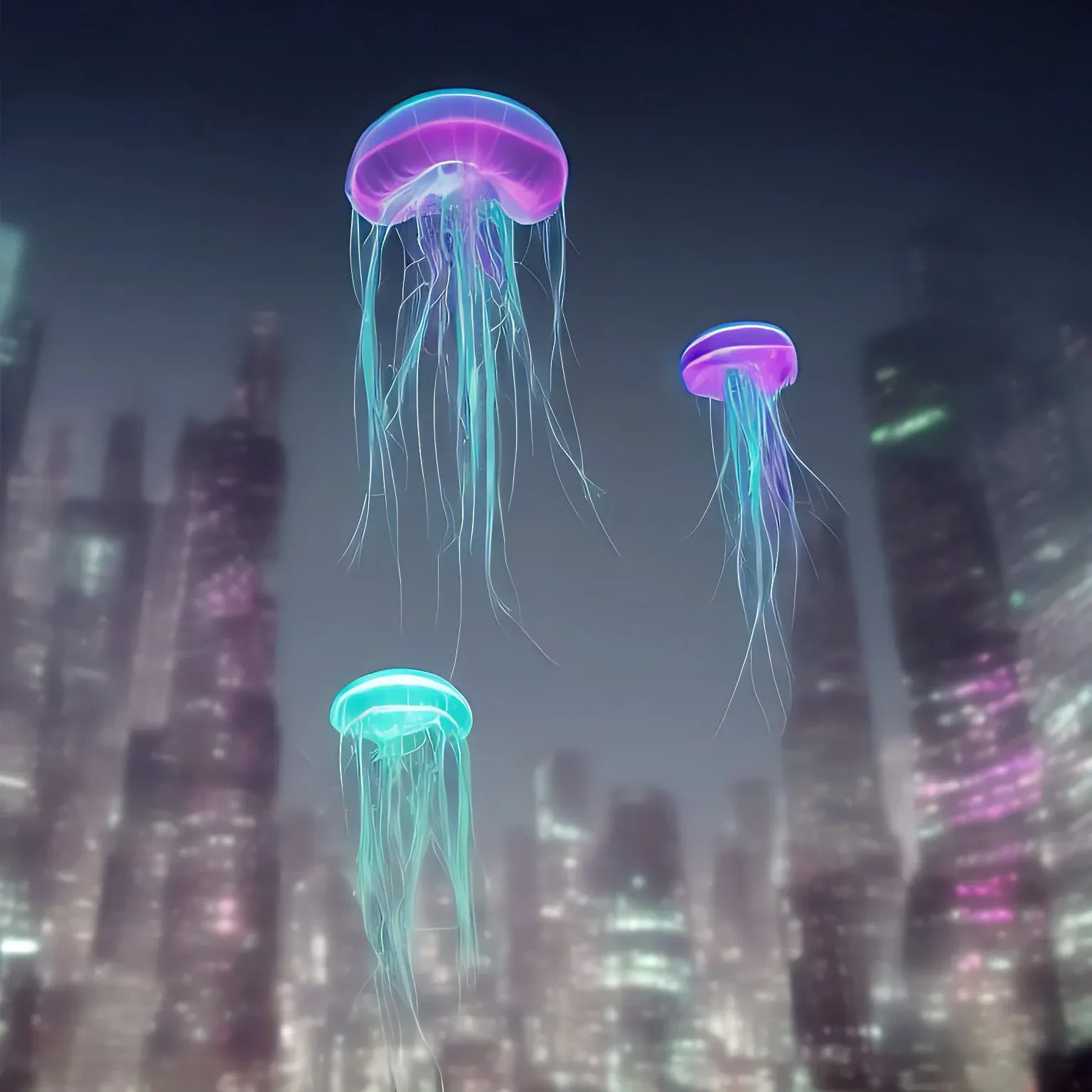
After a few test runs I worked exclusively in Blender with simple models. Surprisingly, I initially had no idea how far this rudimentary, shape-based way of working would take me.
Below I've included a video from a different, 2D-based approach — it helped me especially in understanding the depth model. But it was also confirmation that 3D works much better for this: thanks to the depth layer included in the Stable Diffusion 2.0 model, a 3D scene produces an almost instantaneous output, skipping a step and leaving more room for content design.
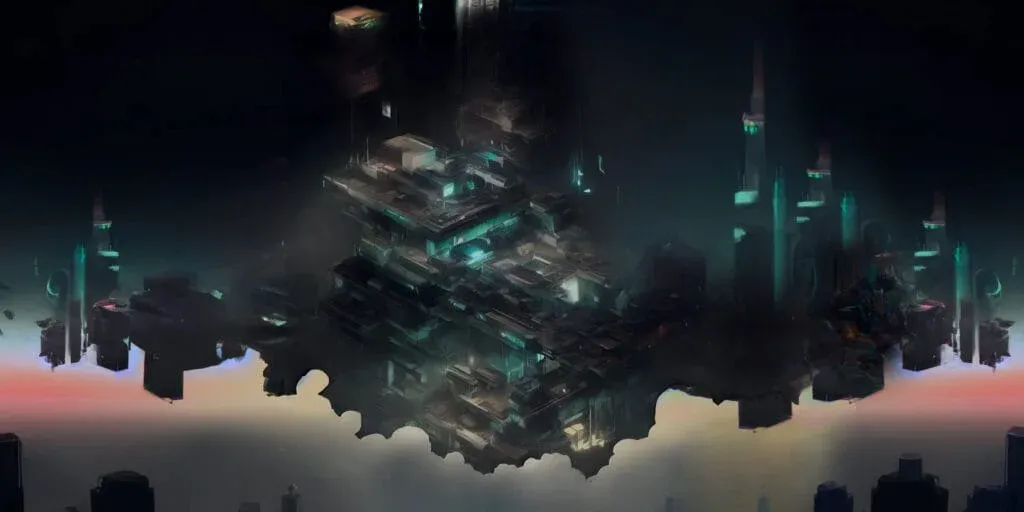
What did Ilumea look like before — back when it was floating with no water around it?
Experimenting heavily with AI, one thing becomes clear: producing a lot of good results is easy — getting accurate output is the tricky part. Especially with a specific idea in mind, the results tend to miss the brief. Which is exactly where concept-art experience pays off.
The Blender add-ons used
Unleashing creativity with AI art prompts
A prompt is a brief, not a spell. The more specific the vision, the better the result — and prompt libraries help refine the wording.
Get inspired — refining and personalizing prompts
One way to build AI art is a community library like Civitai, where published images ship with their prompts and generation settings — copying and refining them leads to unique, personalized results.
Tips for writing effective AI art prompts
Specificity beats volume — details help the model understand the creative vision and produce results close to what was intended:
- Be specific: not just "flower", but "bright red rose".
- Use descriptive language: size, shape, texture.
- Include context: is the flower in a garden, a vase or a field? Part of a bouquet or standing alone?
- Think about mood: vibrant and joyful, or somber and introspective?
Alternative tools for generating AI art
Beyond that, several other tools generate AI art: ArtBreeder breeds and evolves images, DALL-E creates images from text descriptions, and This Person Does Not Exist generates realistic faces of people who never existed.
AI concept art in less than 1 hour
For many people — myself included — who are skeptical about prompt-based generation, the main hurdle is the price. Fortunately, independent programs can do the job for free, as the following video shows. The Blender add-ons listed above or another 3D program plus the many resources on GitHub are enough to get started.
Misconception, but dangerously fast
Attention: the idea that everything suddenly goes much faster is nonsense. A conceptual background is needed just to understand the structure and to design foreground, middle ground and background. But there's no denying it: applied by a concept artist, this way of working shortens the original design process significantly — from several days to a few hours.
A rather critical conclusion
There is no denying that AI methods are a threat to the professional market. Some artists feel cornered: the networks are trained on human-made art scraped from the web, then effectively remixed — sometimes closely copied — without attribution. On top of that, many artists spent years building reach on Instagram or elsewhere and are now being pushed aside: use AI, switch platforms, or develop a new strategy.
What's the reason for that?
Availability — accessibility for everyone. The awareness of what the tools can really do fades into the background; producing brilliant-looking results fast is the point. The "skill" of an AI creator shrinks to stringing together fitting terms — a curator assembling pieces of other artists' work while selling the result as their own art.
My advice: be careful, be respectful — use AI artwork for reference, not for final delivery.
Results and the path forward
Where is the huge library of professional artwork? For example, on ArtStation. And this is where a familiar principle led to trouble: deciding over the heads of the community and reacting only when things go wrong.
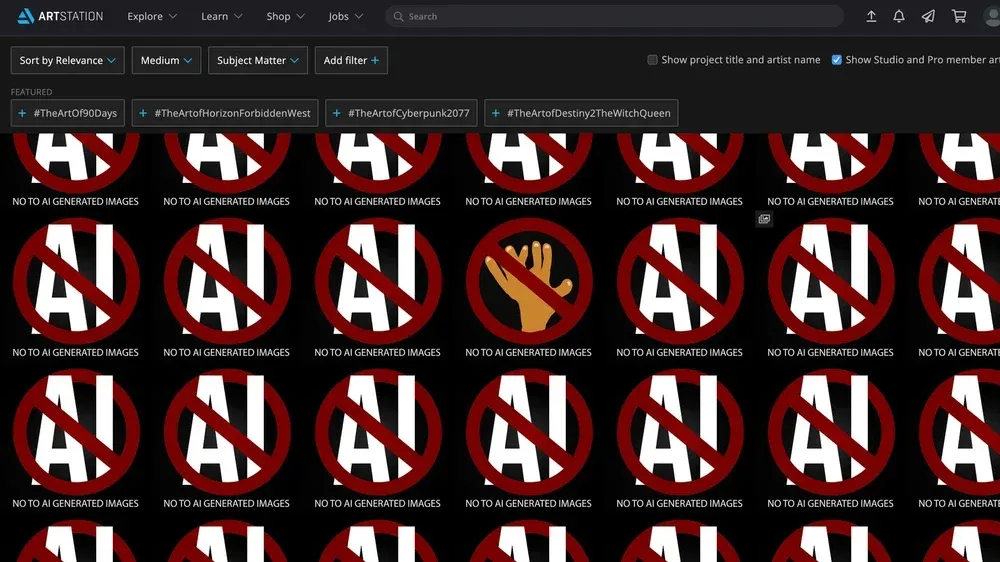
In December 2022, artists flooded their portfolios with a red "NO TO AI GENERATED IMAGES" sign — an illustration by Alexander Nanitchkov, spread after illustrator Nicholas Kole's call to action. After the first big outcry on ArtStation, the platform answered with an AI FAQ — and, in the following months, with actual controls.
Per its current help article, ArtStation's content guidelines still don't prohibit AI in the creation process — but portfolios "should be work that you created", with transparency encouraged. The company doesn't want to "become a gatekeeper with site terms that stifle AI research and commercialization when it respects artists' choices and copyright law." What did arrive: a "NoAI" tag that marks projects as off-limits for AI training — since September 2025 the default for new and existing work — plus "CreatedWithAI" labels and filters to hide AI art while browsing.
Sources
- Artists Are Revolting Against AI Art on ArtStation — Chloe Xiang, VICE (2022)
- Use of AI Software on ArtStation — ArtStation Help Center
- NoAI Tagging on Projects — ArtStation Magazine (2022)
- AI Filters: New Search and Browsing Options — ArtStation Magazine (2023)
- ArtStation Defaults Portfolios to NoAI Protection — Magica (2025)
- How to Make Concept Art with AI — Stable Diffusion Tutorial — Albert Bozesan, YouTube (2022)
A project on the table — AI-assisted concept work, prompts in production or your own XR build? Worth a conversation → ingmar@konnow.de · LinkedIn