
augmentable - revolutionizing 3D collaboration
3D models reviewed, annotated and placed in AR — straight in the browser, no install, for clients like Adidas. The workshop report on a platform that was early to its market.

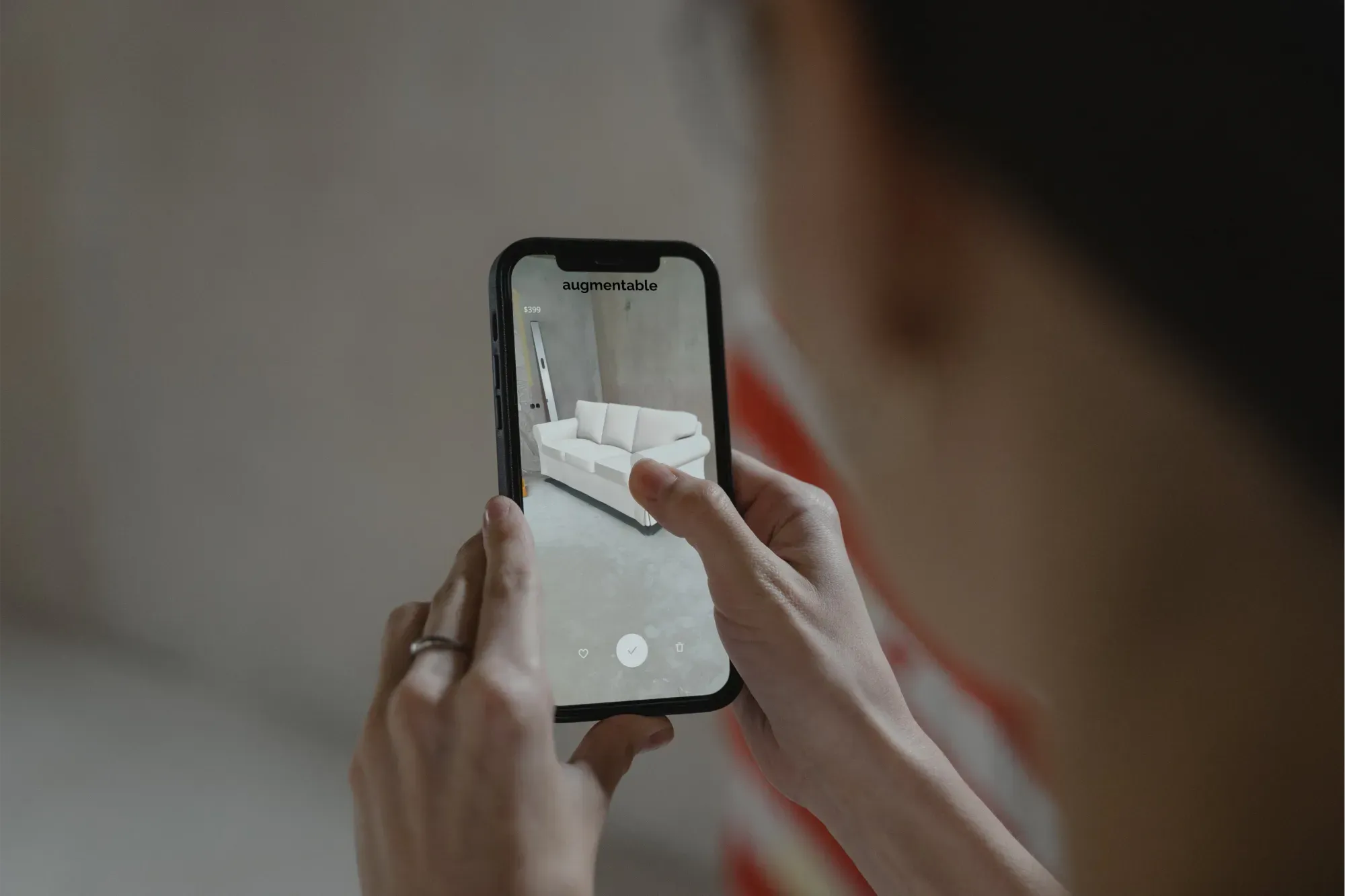
For roughly 1.5 years I led the development and design of augmentable.online at weltfern — in my role as CDO and CTO, from the first idea to production readiness. This post is the workshop report: where the platform came from, what it does, and what remains of it.
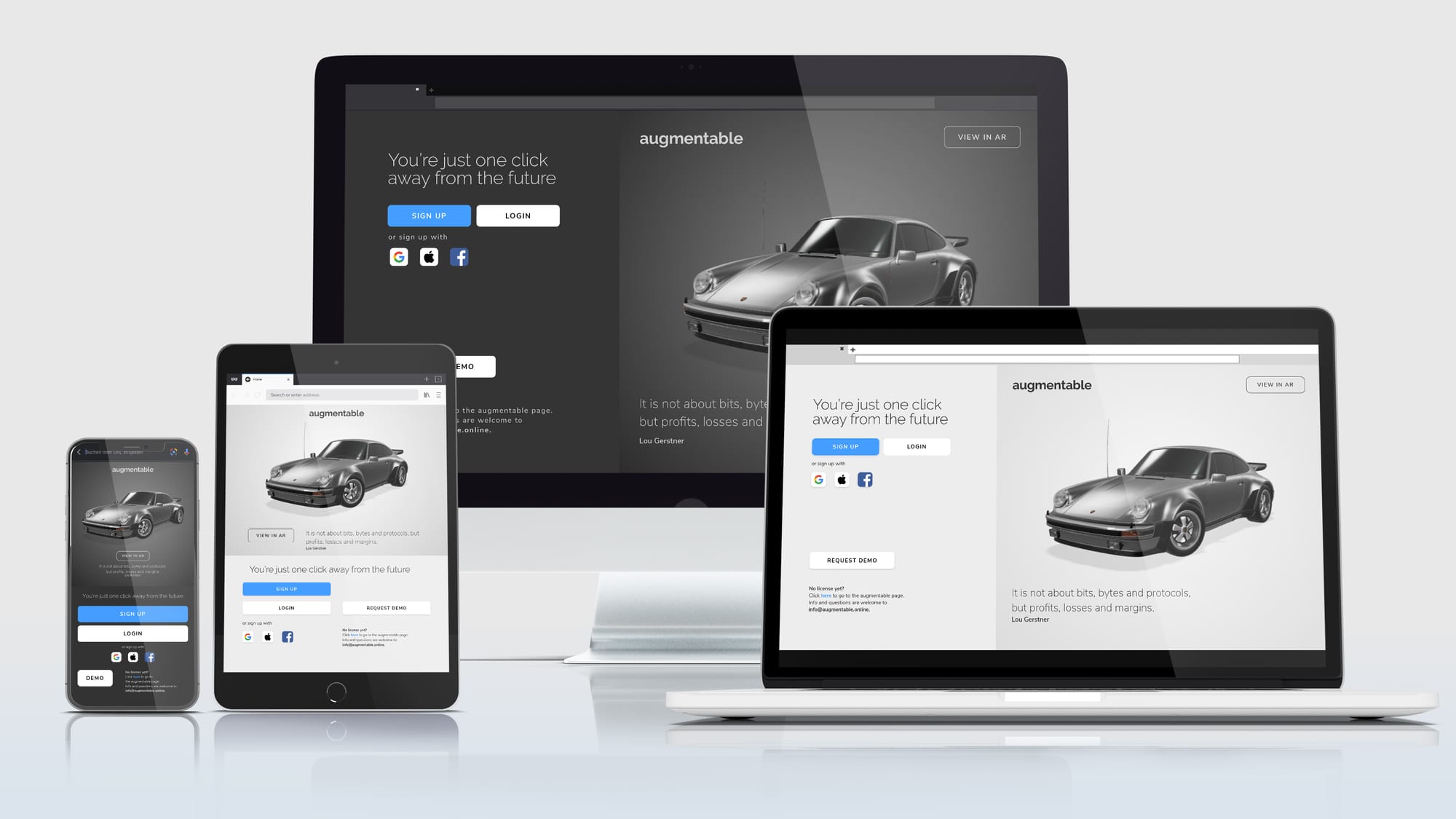
The short version up front: augmentable was used in numerous projects, workflow tools built on it were sold to Adidas — and the platform is still running in the weltfern studio today.
Background
augmentable.online grew out of the collaboration between weltfern and Adidas. The brief: a persistent platform where 3D assets could be reviewed and approved in real time. Existing solutions were either not good enough in quality or designed as mass-market fulfillment tools — without feedback features, and with a matching amount of email ping-pong on every revision.
Technically, Google's sits at the core of augmentable. When the team behind the library itself retweeted the launch, it was a small highlight of the development period:
Great to see <model-viewer> powering more advanced uses of 3D on the web! https://t.co/1hrmaqSuYr
— 👩🚀 <model-viewer> (@modelviewer) March 29, 2021
This retweet from the developer himself made me proud because Modelviewer [by Google] is the core of augmentable and it was an honor to work with them!
Approach
For the development I went with a comprehensive, user-centered approach. It started with an analysis of the concrete challenges remote teams face and the limits of existing 3D collaboration tools. The direct collaboration with Adidas provided continuous feedback from one of the most demanding users in the industry — these insights flowed straight into the definition of the core features.
With my multidisciplinary team I ran iterative design sprints, with feedback and testing built into every phase. This agile process enabled rapid prototyping and refinement of the key elements — resulting in a lean, clear user experience tailored to Adidas' specific requirements: the digitization of products for the online shopping experience.
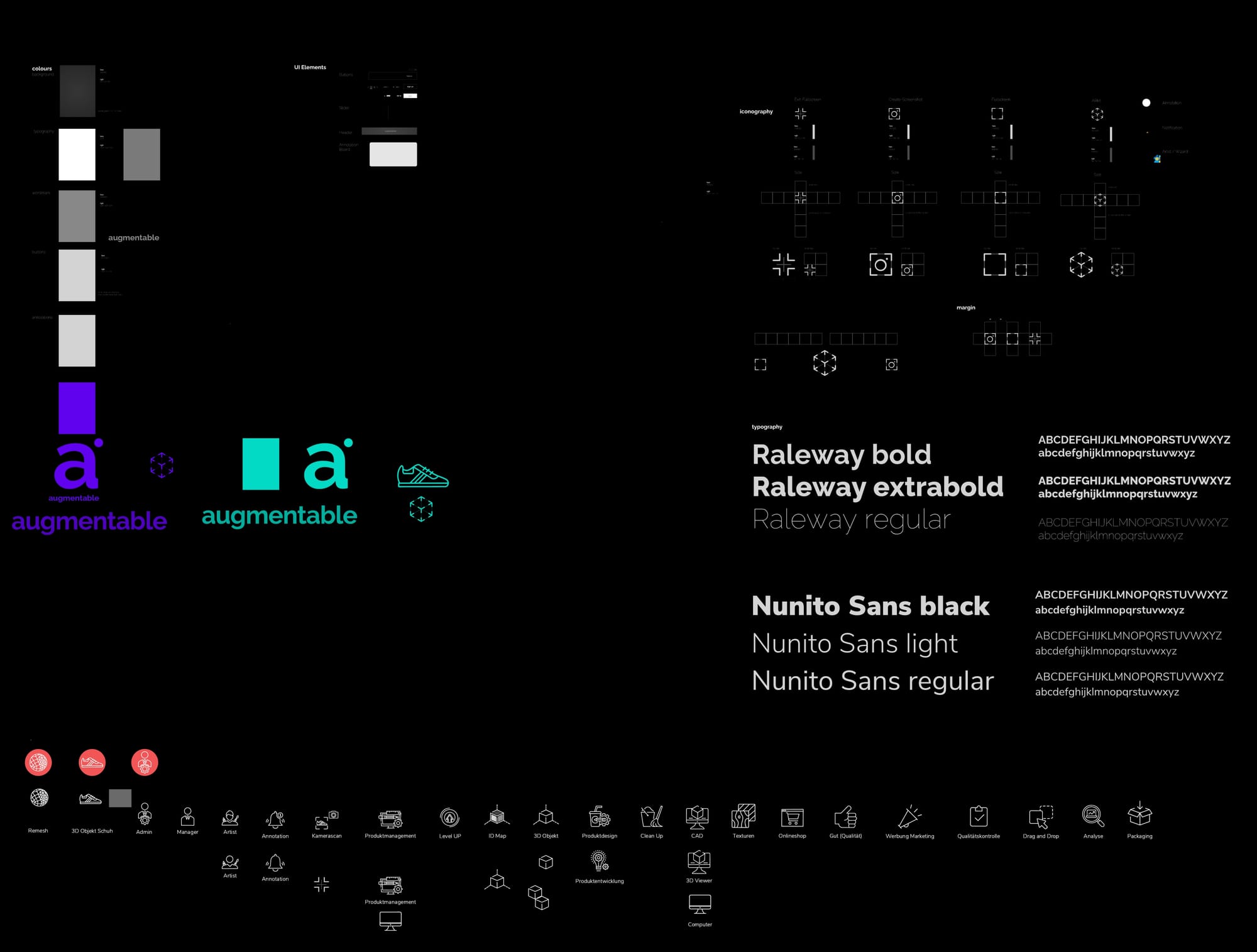
Core features
- Virtual workspace: A shared space where teams work on 3D assets — adaptable to different project requirements.
- Real-time communication: Chat directly inside the environment, plus annotations and tasks on the model — visual communication instead of screenshot ping-pong.
- Objects and tools: A library of 3D models, whiteboards, sticky notes and file sharing for creative, efficient collaboration.
- Integration: Connectivity to established productivity tools like project management software and document platforms, keeping the workflow seamless.
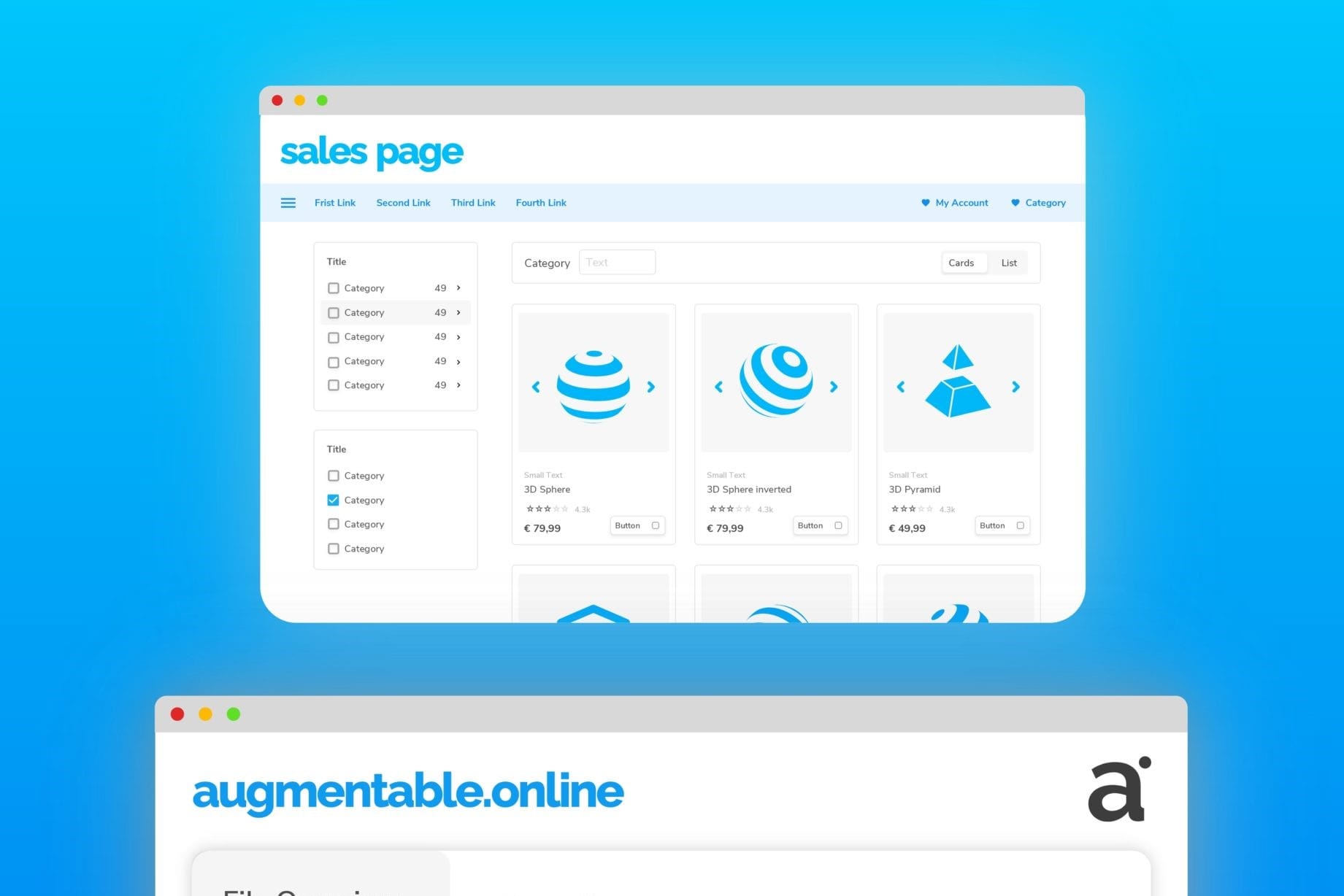
Realtime Showcases
to demonstrate the different features and what can be done utilizing augmentable in real-time workflows.
Real-time workflow in production
To find out how effective such a tool really is, a simple test helps: switch the clock from hours to minutes and put everything on a production card. That's exactly what we did in the automotive showcase — introducing the new digital workflow under a tight deadline and working with it:
Automotive showcase | augmentable
The advantage of the web-based workflow: decisions happen in real time, not after the next round of emails. Anyone producing with 3D elements should keep an eye on every asset throughout production — the review workflow below shows what that looks like in augmentable.
Live sessions
Between launch and first placement I recorded a series of "live sessions" to demonstrate the platform and explain how to work with it. To this day they are the best way to understand in detail what is possible with augmentable.
Note: these are deliberately not polished product videos — the goal was an authentic presentation of the features.
CAD in Realtime | augmentable live
CAD is still something different from polygons — a perfectly error-free workflow will probably remain a pipe dream. But anyone who has been through a large production knows: anything that makes things easier is a relief. A quality control tool in the middle of production changes exactly that.
The first session focuses on working with CAD
Realistic materials in AR | augmentable live

Create 3D Content
3D digital products - realistic and interactive directly in the browser
The review workflow: 3D content from first version to release
The production centerpiece is the workflow around the detail page and change cards: all changes can be tracked and managed like Kanban tasks — this is how even high-end assets safely make it from first version to release.
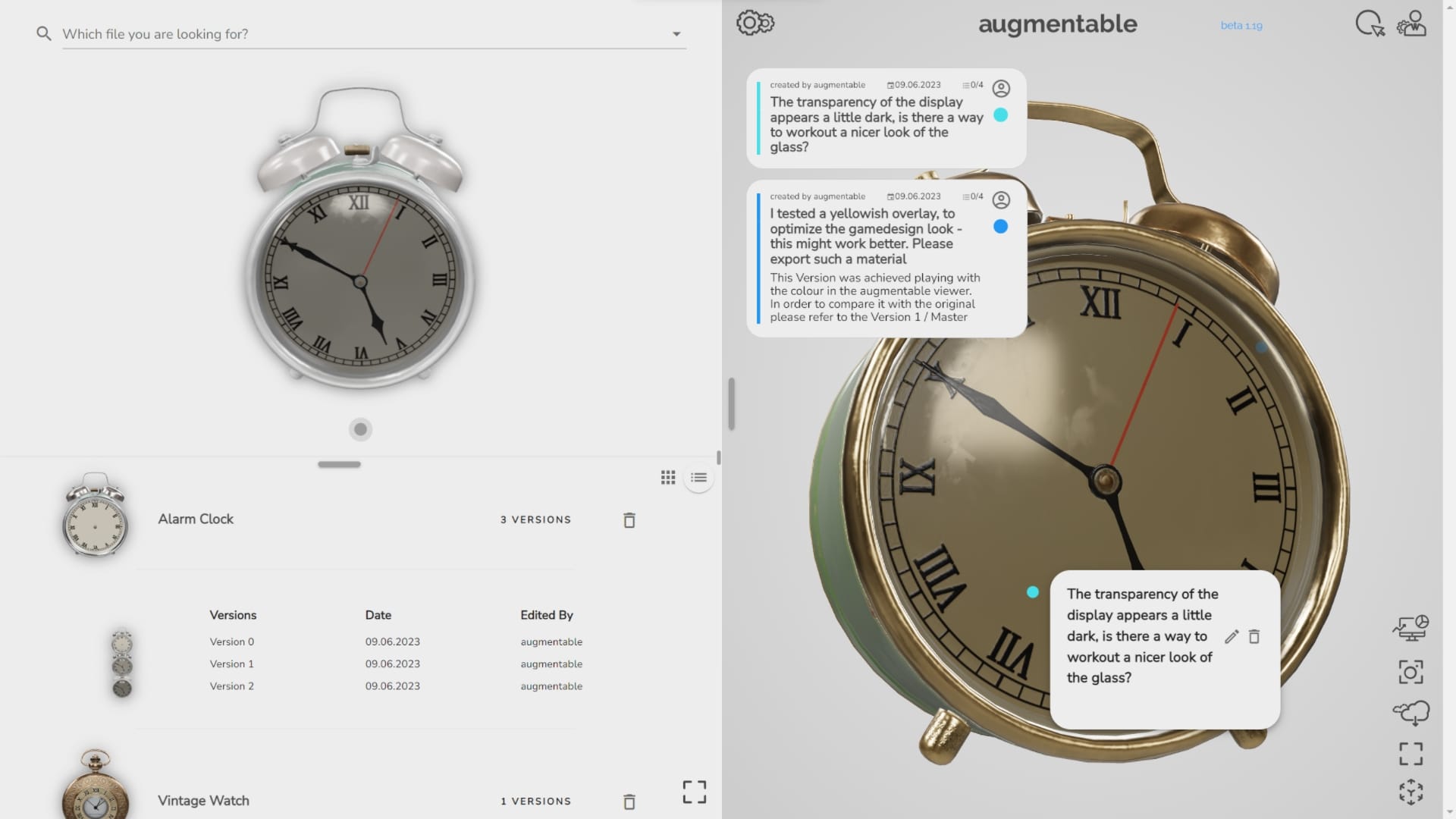
Marking a change point: Change requests are marked directly on the 3D model and refined by clicking on the card in the viewer. In this example I noticed that the glass looks a bit too black.
In this example, I noticed that the glass looks a bit too black.
Defining a change card: Change cards work like tasks with room for context — for instance a checklist of explicit changes addressed directly to the creator of the 3D model.
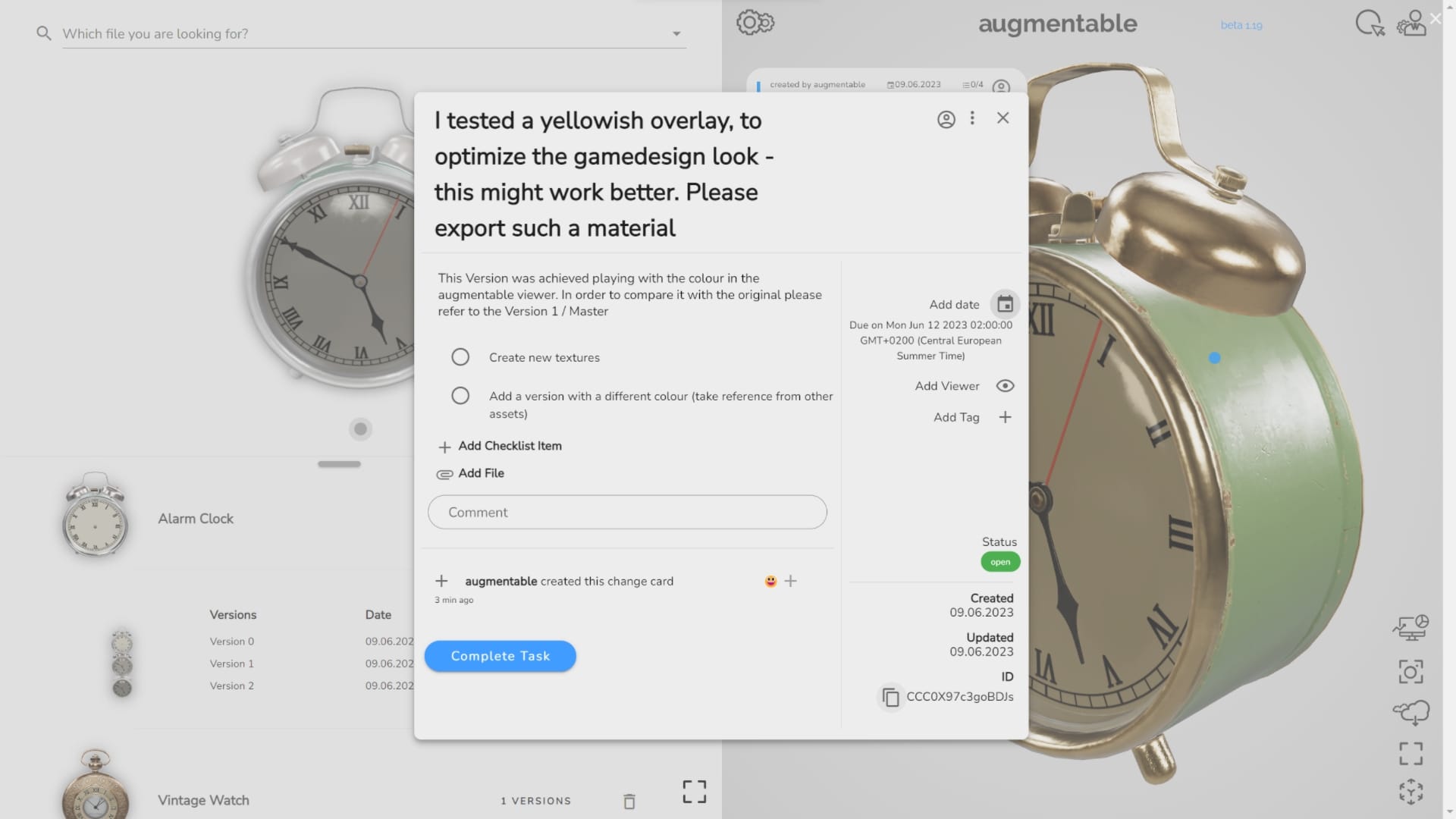
For 3D artists
For asset creators, what matters is having a reference viewer that renders animations and material values correctly. The viewer interface allows drag-and-drop in the right panel, while all other models and versions load via the compact CMS. This extendable viewer is the core element on which impressive 3D models are built — for every online shop, every game, every interactive XR application.
For producers and organizations
At producer level, time-critical work counts — plus the ability to intervene when material values are off. The viewer is powerful, realistic and easy to use: exchange feedback, apply HDRI backgrounds, adjust material values via the viewer settings, and add a new version for lookdev when needed. Models from freelancers and artists can be observed and steered precisely.
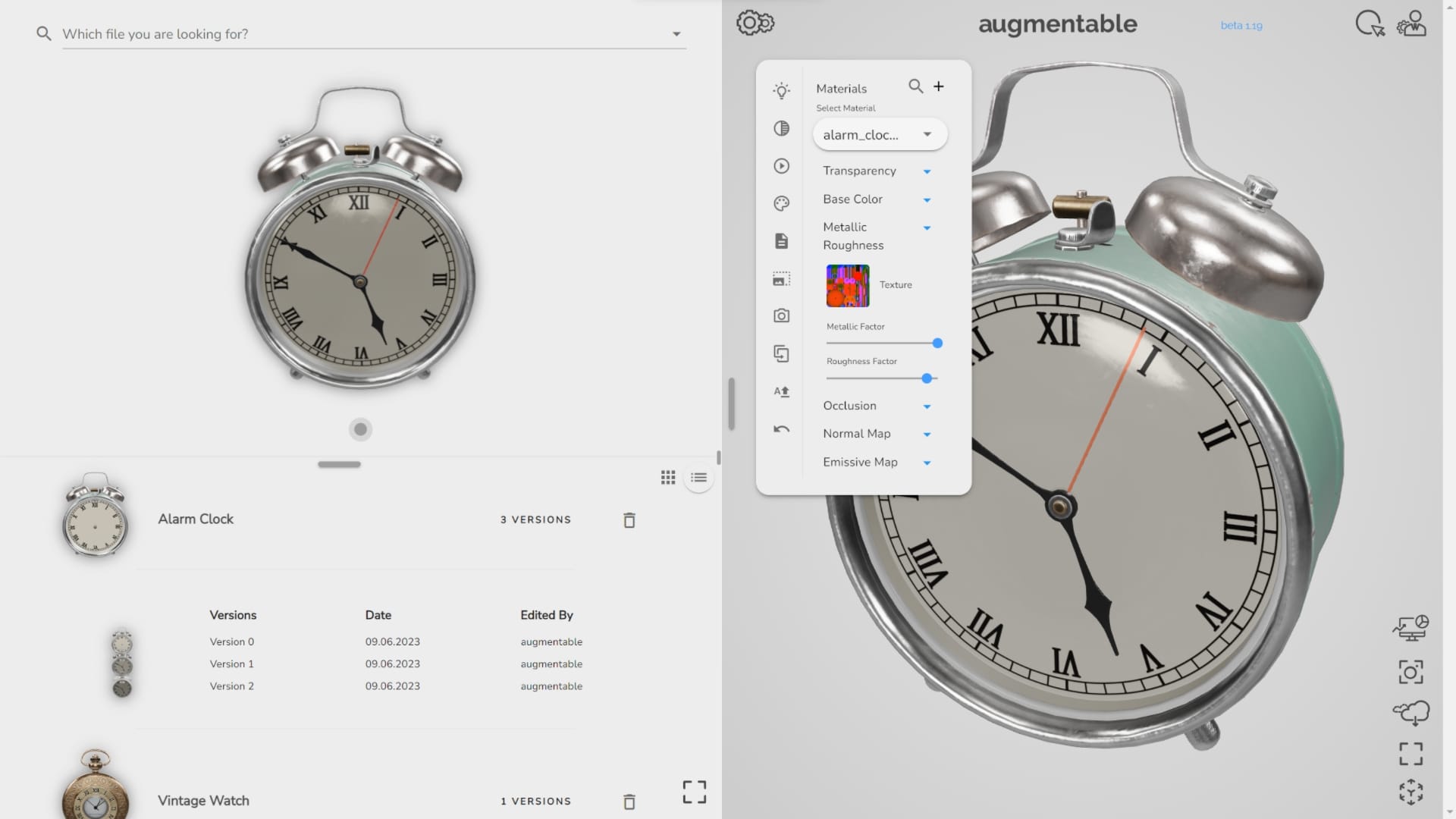
the platform adapts to the user role — with or without the asset database and detail page.
Visualizing AR content
The way products are presented on websites has changed dramatically: zoomable images became videos, videos became 3D products. Interaction time is the lever — with 3D viewers and augmented reality it rises by up to 70% according to industry figures. Products can be viewed from every angle and placed in one's own environment via smartphone camera.
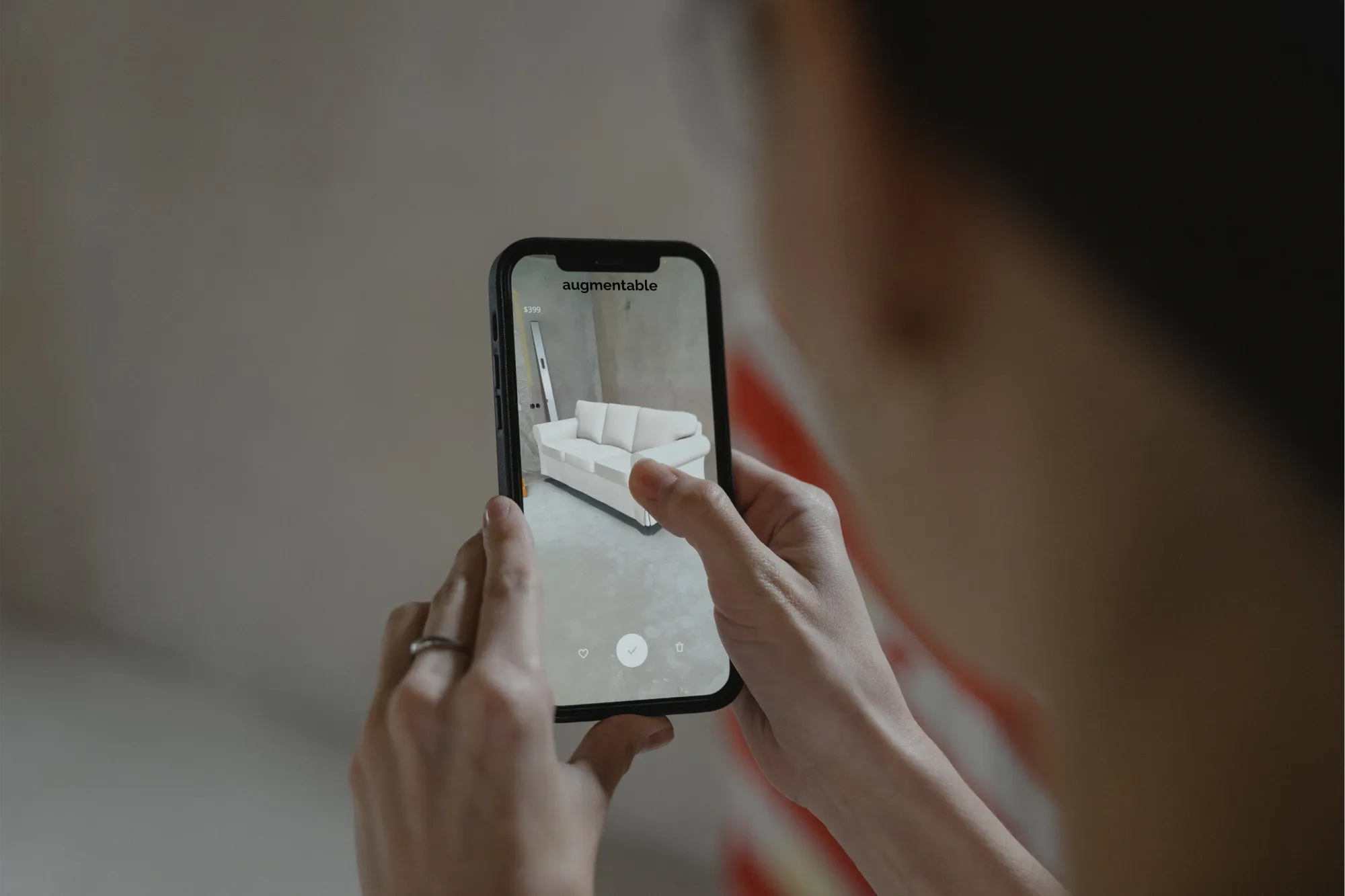
Visualize AR Content
Digital products in 3D - realistic and performant directly in your reality
That is the actual core feature of the platform: showing 3D content online in augmented reality as realistically as possible. The bulk of the production effort went into making the addition of a viewer module to an online shop as simple as possible — the digitization of the products themselves remains the real work.
As with a product shoot, the product has to look perfect and confirm the purchase decision. In augmentable, a QR code scan or a click on the link is enough: any AR-capable smartphone or tablet places the asset in the real world — turning a digital product into a physical experience.
Results
What remains of it:
- Sold and in use: Workflow tools built on augmentable were sold to Adidas; the platform still runs in the weltfern studio today.
- Quality control without email: Persistent 3D reviews with annotations and change cards replaced the screenshot ping-pong.
- AR without an app barrier: 3D products can be placed in the real world directly in the browser via QR code.
- One viewer as reference: The extendable viewer interface sets the standard that artists and producers can rely on.
Update September 2026: This article was revised — structure tightened, language mix and empty sections cleaned up, tone aligned with the current format.
Sources
- <model-viewer> — 3D on the web — Google
- Tweet by the model-viewer team about augmentable — @modelviewer (2021)
A 3D, AR or web-viewer project on the table — digitizing products or setting up review workflows? A conversation is worth it → ingmar@konnow.de · LinkedIn